🎛️ Site Admin
Flip switches and edit content — no code. Changes save straight to your live site.
🏠 My homepage ↗
not connected
💡 Light Show stage tool
Artwork driven live by the Behringer — map each channel to a light zone, hit Show mode,
put it on the projector. Runs on its own, no token needed.
GRANITE lights the cover art; Lift the Anchor lights the band photo, one zone per player.
🔑 Connection not connected
Paste a GitHub token so switches save straight to the site. It's stored only in this browser — never in the page.
Easiest: a classic token with just the public_repo scope — use the button below, the scope is pre-ticked. This repo is public and owned by the TaikoGames organisation, and classic tokens work on org repos as long as you have write access.
Fine-grained tokens also work, but for an org repo they need more setup: resource owner set to TaikoGames (not your personal account), this repository selected, Contents: Read and write, and the org must allow fine-grained tokens — an owner may have to approve it. If yours 404s, that's almost always why.
Easiest: a classic token with just the public_repo scope — use the button below, the scope is pre-ticked. This repo is public and owned by the TaikoGames organisation, and classic tokens work on org repos as long as you have write access.
Fine-grained tokens also work, but for an org repo they need more setup: resource owner set to TaikoGames (not your personal account), this repository selected, Contents: Read and write, and the org must allow fine-grained tokens — an owner may have to approve it. If yours 404s, that's almost always why.
Live controls
🎬 Intro video live
When ON, visitors landing on the homepage see the intro video full-screen with a close button. Turn OFF for a normal homepage. The video itself is already set in the site config — this is just the on/off.
Show for the next:
Auto: follow my live stream
Flipping the switch (or a timer) saves straight to config.json and the site updates in about a minute — no download.
With Auto on, a check runs on GitHub every 5 minutes: the moment your YouTube channel goes live the overlay turns itself on, and when the stream ends it turns itself off. Scheduled checks queue on shared runners, so allow roughly 5–15 minutes either way.
The switch above always wins. If a stream is running and the overlay hasn't come on — or it's on and you want it gone — just flip it: that holds for 12 hours and the automatic check stands down until then. Press Back to auto (or wait it out) to hand control back.
With Auto on, a check runs on GitHub every 5 minutes: the moment your YouTube channel goes live the overlay turns itself on, and when the stream ends it turns itself off. Scheduled checks queue on shared runners, so allow roughly 5–15 minutes either way.
The switch above always wins. If a stream is running and the overlay hasn't come on — or it's on and you want it gone — just flip it: that holds for 12 hours and the automatic check stands down until then. Press Back to auto (or wait it out) to hand control back.
🪧 Poster live
Paste an image link to pop a poster full-screen (with a fade-in) the moment visitors arrive — a gig flyer, a release. Leave the field empty for no poster.
Auto-remove after:
Show for
seconds each visit, then it fades out.
Any public image URL works (JPG, PNG, GIF — an animated GIF plays as it pops in). Clear the field and Save to turn the poster off; pick a day count to auto-remove it.
📰 News ticker live
The scrolling news bar at the top of the site. One item per block:
Title, optional Description, Link, Expires: YYYY-MM-DD.⭐ Featured video live
The big video at the top of the Videos page. Pick one you already have, or paste a new YouTube link.
🖼️ Photos live
Swap the main photos. Uploads are resized and saved straight to the site (they replace the existing image files, so every page using them updates).
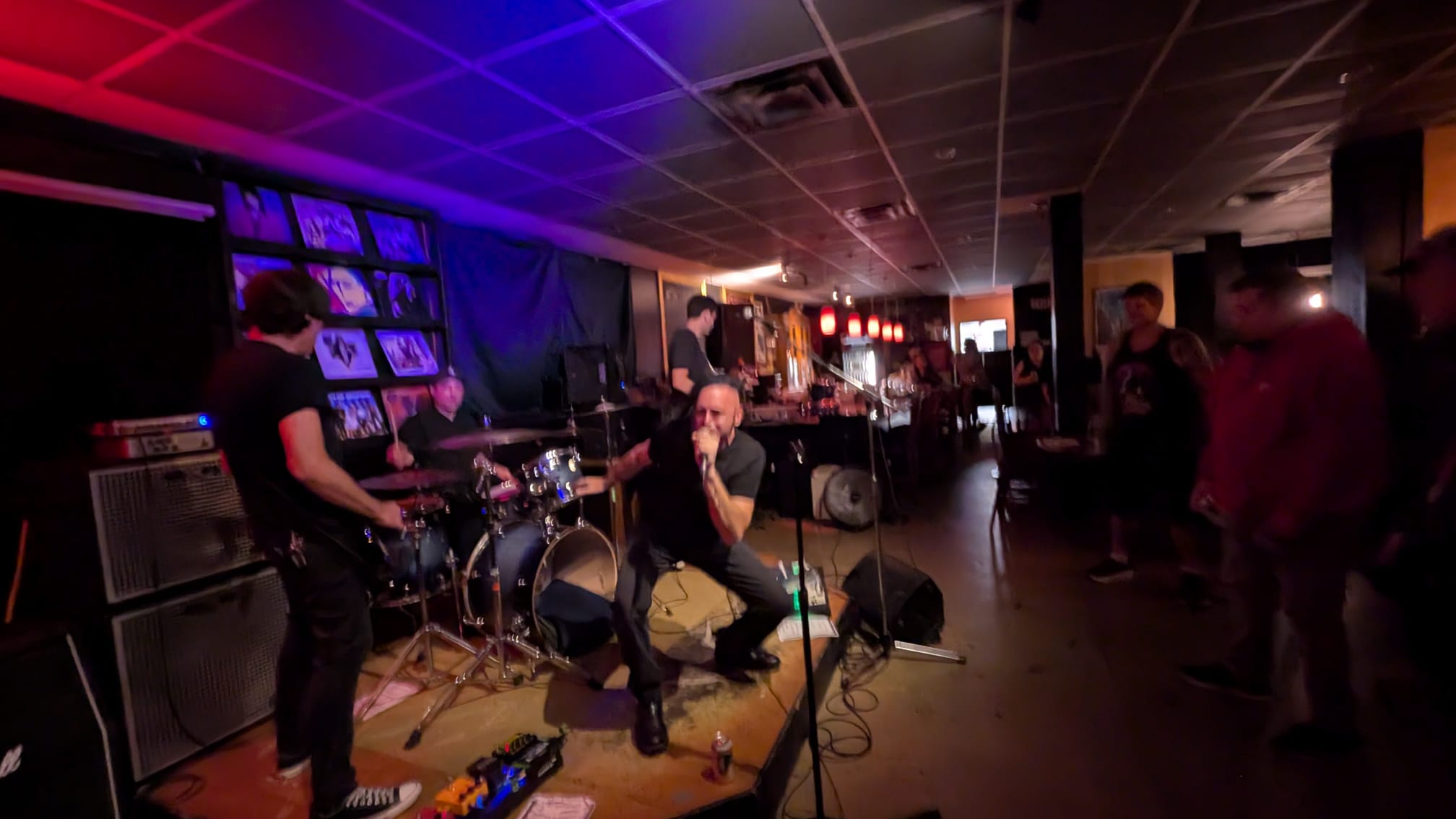
Profile / hero images/miki-drummer-live-vancouver.png

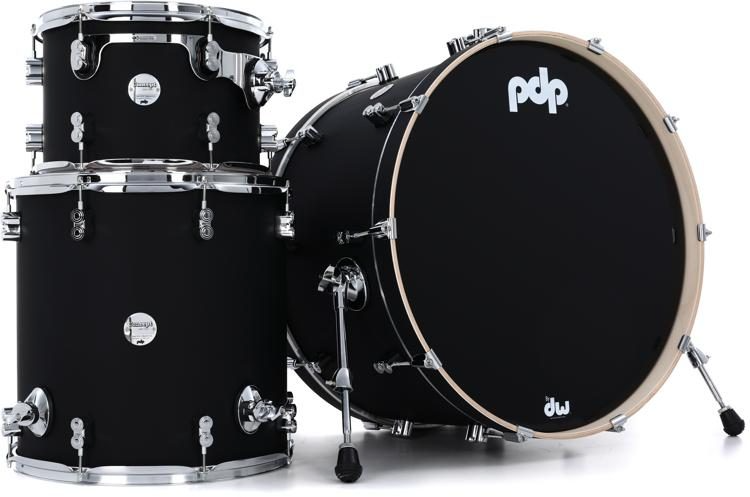
Drum photo images/miki-drummer-drum-kit.png
🎞️ Granite photo filter live
An Instagram-style filter on the Granite press-kit photos. Pick a look — it saves to the site and every gallery photo updates in about a minute.
🎃 Season auto
Weather across the site — pumpkins for Halloween, snow for Christmas. This saves
to config.json, so it changes every page for everyone, not just this browser.
Auto puts pumpkins up 24 October to 1 November and snow through December to
6 January, and takes them down on its own.
Anyone who has asked their system to reduce motion sees none of
it, whatever this says.
Manage
🌳 Site tree
🔎 Who to ask
📇 Band contacts
📨 Ask a band
📅 Open dates
🎫 Shows waiting
🖥️ Shows on screen
📋 Import shows
🤖 Ask the site prototype
💿 Jukebox
🥁 Drum kit
🎫 Shows
💡 Light Show — GRANITE
✅ Review LTA Changes
🎸 LTA Press Kit Editor
💡 Light Show — Lift the Anchor
🥁 Drum Visualiser
🚪 Room Walk-through
🥁 Cymbal Designer
✂️ Razor Cut
📋 Stage Playbook
Ideas — say which you want wired up
🎆 Celebration mode
One switch to fire the confetti/fireworks (España win, a release, NYE) instead of date-hardcoding it. idea
📢 Announcement banner
A dismissible site-wide bar — “New single out Friday”, “On tour in Spain”. Toggle + custom text. idea
🟢 Availability status
Flip between “Available for sessions / lessons” and “Booked / on tour” — shown as a badge. idea
🎨 Accent colour
ideaChange the site’s red accent site-wide with a colour picker for seasonal looks.
🔗 Social links
ideaEdit the Instagram / TikTok / YouTube handles in one place.
🚧 Maintenance mode
Show a “back soon” splash while you rework a page. idea
How saving works: switches commit straight to your GitHub repo via the API (using your token above), and GitHub Pages redeploys in ~1 minute. The “idea” cards are mockups; tell me which to make real and I’ll wire them up like the intro video.